How to change time format in Windows 11 and Windows 10?

How to change time format in Windows 11 and Windows 10?
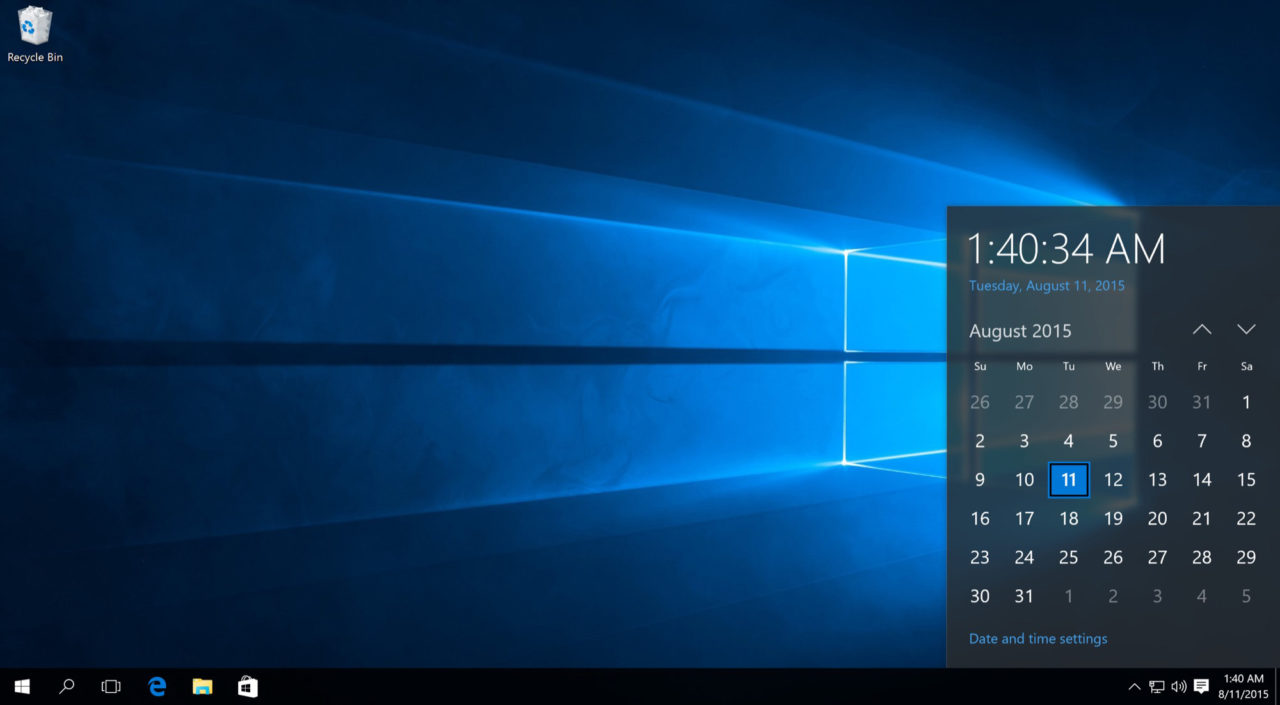
Do you prefer seeing time in 12-hour format (with AM/PM) or 24-hour format (military time) on your Windows taskbar? Many users want to customize the date and time display for better readability or to match their regional preferences. Fortunately, changing the time format in Windows is quick and straightforward. In this guide, you’ll learn multiple … Read more

How to Screenshot on Windows 11 and 10: 5 Fastest Methods

How to Screenshot on Windows: The Complete Guide for Windows 10 & Windows 11 (Updated 2026)

Taking a screenshot on Windows is one of the most essential skills for productivity, whether you’re capturing an error message, saving a memorable moment, creating tutorials, or sharing content quickly. Windows offers multiple built-in methods to screenshot your screen — from simple keyboard shortcuts to powerful tools like the Snipping Tool that support editing, annotations, … Read more

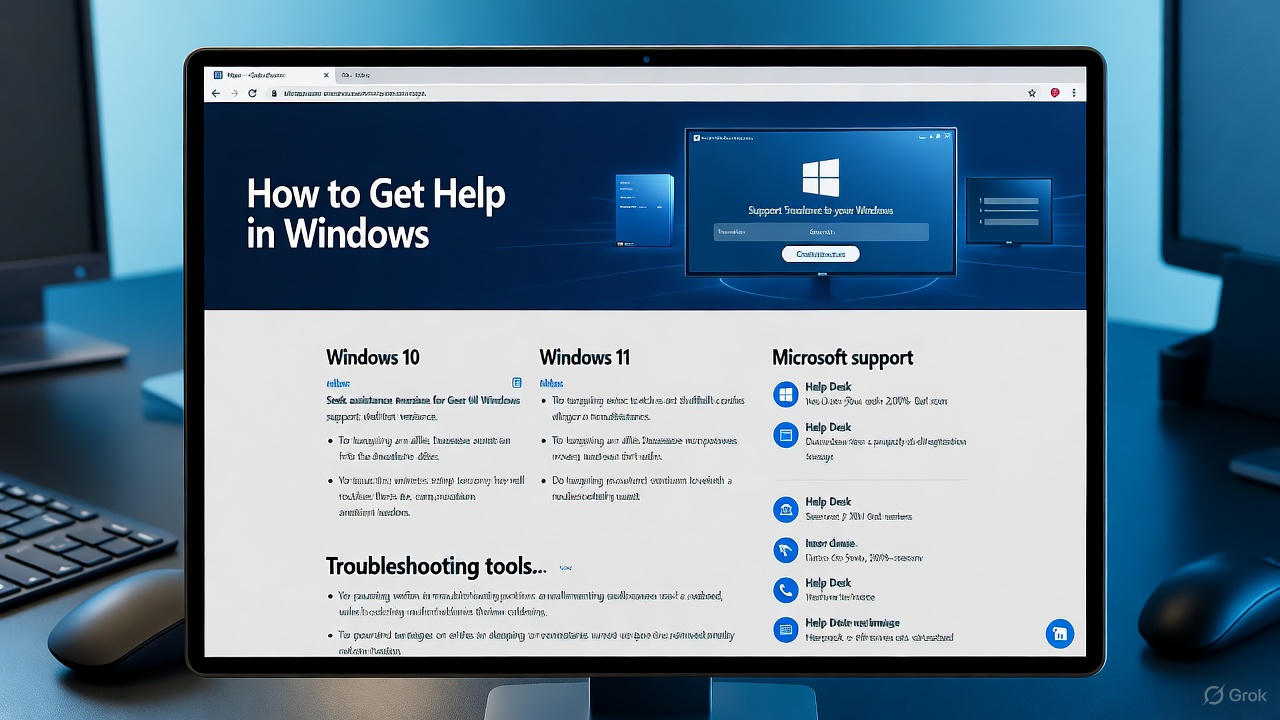
How to Get Help in Windows 11 and 10: A Comprehensive guide

How to Get Help in Windows 10, 11, 12, 7, ways, keyboard, update, screenshot, download

Are you stuck with a Windows issue, like a blue screen error, slow performance, or software compatibility problems? Knowing how to get help in Windows can save you time and frustration. Microsoft provides a variety of built-in tools, online resources, and support options to assist users with troubleshooting and resolving issues. This guide covers everything … Read more

Get Help with File Explorer in Windows 10 & 11: Complete Guide

get help with file explorer in windows 10 and 11

File Explorer, formerly known as Windows Explorer, is the file management application in Windows operating systems. It’s the central hub for accessing, organizing, and managing your files, folders, and drives. While it’s generally straightforward, you might sometimes need help to fully utilize its features, troubleshoot issues, or find lost files. This detailed guide will show … Read more